
TL;DR:
- Most washing machine spin failures stem from drainage issues, unbalanced loads, or safety interlock failures.
- Many problems can be diagnosed and fixed at home by checking power, load balance, and drainage components before calling a technician.
Most of the time, a washing machine that won’t spin comes down to one of three things: a drainage problem, an unbalanced load, or a safety interlock (lid switch or door latch) that’s keeping the spin cycle from engaging. Start there before you touch anything mechanical.
Quick checks you can do right now (under five minutes):
- Power and cycle setting: Confirm the machine is on, the cycle hasn’t been paused, and the spin speed isn’t set to “no spin” or “delicate.”
- Lid or door: A top-loader won’t spin with the lid open. A front-loader won’t spin if the door latch hasn’t clicked fully closed.
- Load balance: Pull out a few heavy items, redistribute the rest evenly around the drum, and restart the spin cycle.
- Drain hose: Trace the hose from the back of the machine to the standpipe. A visible kink is a two-second fix.
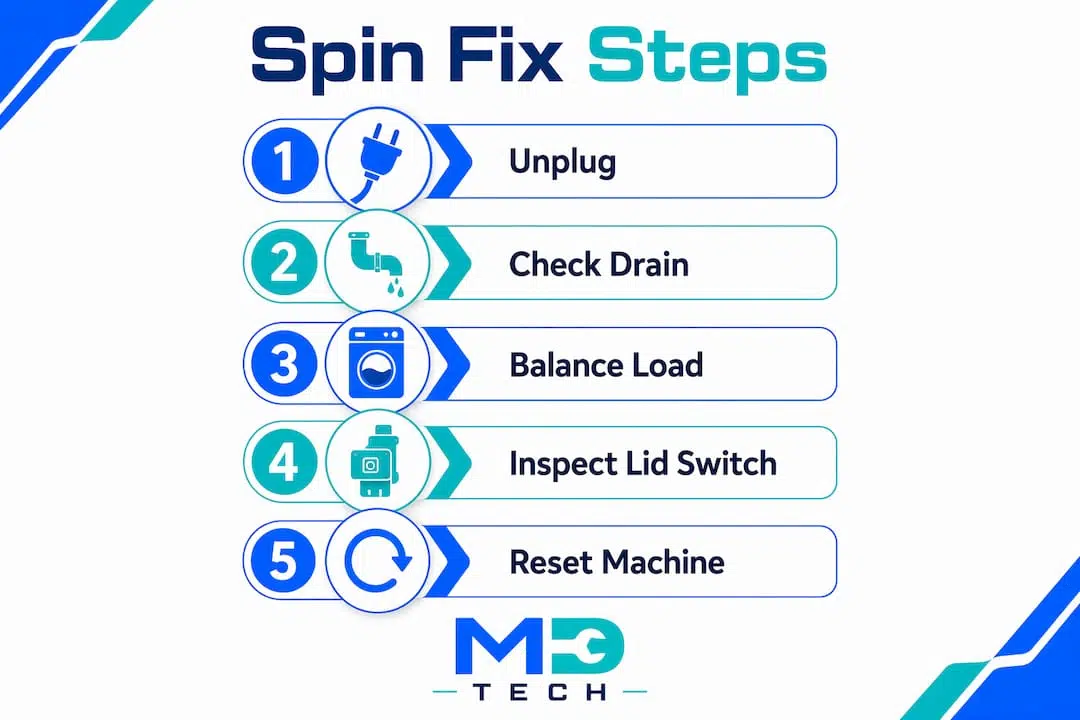
- Reset: Unplug the washer for 60 seconds, plug it back in, and run a drain/spin cycle.
Lid switches and door latches are among the most common and least expensive failure points that prevent spin from engaging. Drainage problems are equally frequent: if the machine can’t confirm water has been removed, it disables high-speed spin to prevent flooding. Fix the drain, and the spin often comes back on its own.
Safety first: Always unplug the machine before reaching inside the drum, touching the pump filter, or inspecting any component. Never bypass a lid switch or door latch to force a spin.
Table of Contents
- How do you know your washer isn’t spinning correctly?
- What causes a washing machine to stop spinning, and how do you fix it?
- How do you reset your washer and force a spin safely?
- Should you repair or replace your washing machine?
- Key Takeaways
- What most homeowners get wrong about a washer that won’t spin
- Certified washer repair in Orange and Los Angeles County
- Useful sources and further reading
How do you know your washer isn’t spinning correctly?
Symptoms vary, and pinpointing the right one saves you from chasing the wrong fix.
- Motor runs, drum doesn’t move: You hear the motor humming but the drum sits still. This points to a mechanical disconnect, like a broken drive belt or failed motor coupling, rather than an electrical or drainage issue.
- Fills and drains but won’t spin: The cycle completes normally up to the spin phase, then stops. Often a safety interlock or a sensor problem.
- Clothes come out soaking wet: The drum spun slowly or not at all. It could be an unbalanced load that triggered an automatic speed reduction, or a partial drain issue.
- Stops mid-cycle: The machine starts spinning, then quits. Worn shock absorbers or suspension springs on front-loaders can cause violent vibration that trips the machine’s safety cutoff.
- Error codes or blinking lights: Modern machines display codes like 5C (Samsung drain error), 3C/3E (Samsung motor fault), or similar model-specific codes. Write the code down before you reset anything.
Safe observation steps: Don’t open a front-loader mid-cycle. For top-loaders, listen carefully before lifting the lid. A grinding sound from below the drum usually means the pump is struggling with a blockage. A high-pitched squeal during spin points to a worn belt or bearing.
Pro Tip: Run a short cycle with no laundry and no detergent. Watch and listen. If the drum doesn’t rotate at all during the wash phase, the problem is mechanical. If it rotates fine but won’t reach spin speed, suspect drainage or a sensor. That one test cuts your diagnosis time in half.
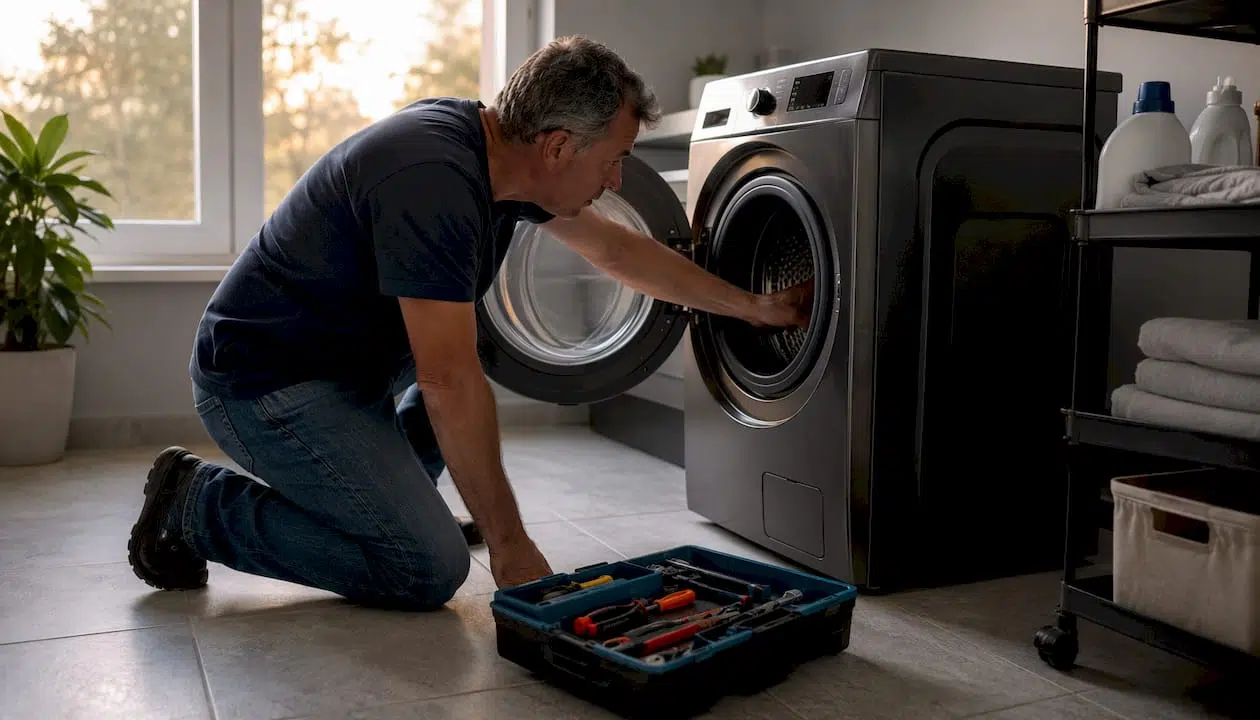
What causes a washing machine to stop spinning, and how do you fix it?
Work through this list in order. The early items are fast, free, and safe for renters. The later ones need tools, experience, or a technician.
-
Wrong cycle or spin setting. Some cycles (delicate, hand-wash, wool) default to low or no spin. Check the control panel and manually select a spin speed or run a dedicated spin cycle.
-
Unbalanced or overloaded drum. Unbalanced loads are one of the most common reasons a washer stops mid-spin. Remove a third of the load, redistribute what remains evenly, and restart. Never wash a single heavy item like a comforter alone; add a few towels to balance the weight.
-
Excessive suds. Too much detergent creates foam that sensors read as excess water, causing the machine to skip spin. Run a rinse-only cycle, then switch to high-efficiency (HE) detergent if you haven’t already.
-
Kinked or clogged drain hose. Trace the hose from the machine to the standpipe. Straighten any kinks. If the hose is inserted deeply into the standpipe, it can siphon water back in and confuse the pressure sensor. Pull it out slightly and secure it with a hose clip. For a full drain hose cleaning guide, the process takes about 20 minutes.
-
Clogged pump filter. Partial blockages let some water through but still confuse the sensors, causing the washer to skip spin entirely. On most front-loaders, the filter is behind a small access panel at the bottom front. Place a shallow pan underneath, unscrew the cap slowly, let the water drain, then pull out and rinse the filter. This is a safe DIY fix for both renters and homeowners.
-
Faulty lid switch (top-loaders) or door latch (front-loaders). Press the lid switch plunger by hand while the machine is running. If the motor kicks in, the switch is fine. If nothing happens, the switch has likely failed. Replacement parts typically run $20–$50, and the repair is straightforward for a handy homeowner. Renters should contact their landlord or property manager before replacing parts.
-
Machine is unlevel. A washer that rocks more than a quarter-inch during spin will trigger its own vibration cutoff. Use a bubble level on top of the machine and adjust the feet until it sits flat. Lock the feet in place with the jam nuts.
-
Worn drive belt. On belt-driven machines, a broken or slipping belt lets the motor run while the drum stays still. You’ll often smell burning rubber. Belt replacement commonly runs $100–$200 including labor. Accessing the belt requires removing the back or front panel, so this is a job for someone comfortable with basic appliance disassembly.
-
Failed motor coupling (direct-drive top-loaders). The motor coupling is a sacrificial plastic part designed to break under overload rather than damage the motor. When it fails, the motor runs but the drum doesn’t move. A telltale sign: black plastic debris inside the cabinet when you remove the front panel. This is a moderate DIY repair; parts cost a modest amount, but labor from a technician can be more significant.
-
Worn suspension rods or shock absorbers. Push the tub firmly by hand. More than a small amount of movement signals failed suspension. Front-loaders with worn shock absorbers vibrate violently and trip the mid-spin safety cutoff. Replacement is the correct fix, not just rebalancing, because worn shocks accelerate bearing damage during high-speed spin.
-
Failed motor or control board. Modern machines use Hall effect sensors to measure rotor speed and position. When the sensor or motor driver on the control board fails, the machine may display a motor error code (Samsung: 3C, 3E1–3E4; LG: LE) while all other functions remain intact. This requires professional diagnostic tools. Attempting to disassemble the motor or control board without training can cause further damage and is unsafe.
Typical repair cost ranges
| Repair | Typical cost range | DIY-friendly? |
|---|---|---|
| Lid switch / door latch | $100–$200 | Yes (homeowners) |
| Drive belt | $100–$200 | Moderate |
| Motor coupling | $100–$200 | Moderate |
| Drain pump | $150–$300 | Moderate |
| Suspension / shocks | $150–$300 | Moderate |
| Motor replacement | $250–$700 | No — call a pro |
| Control board | $200–$500+ | No — call a pro |
| Bearing replacement | $200–$500+ | No — call a pro |
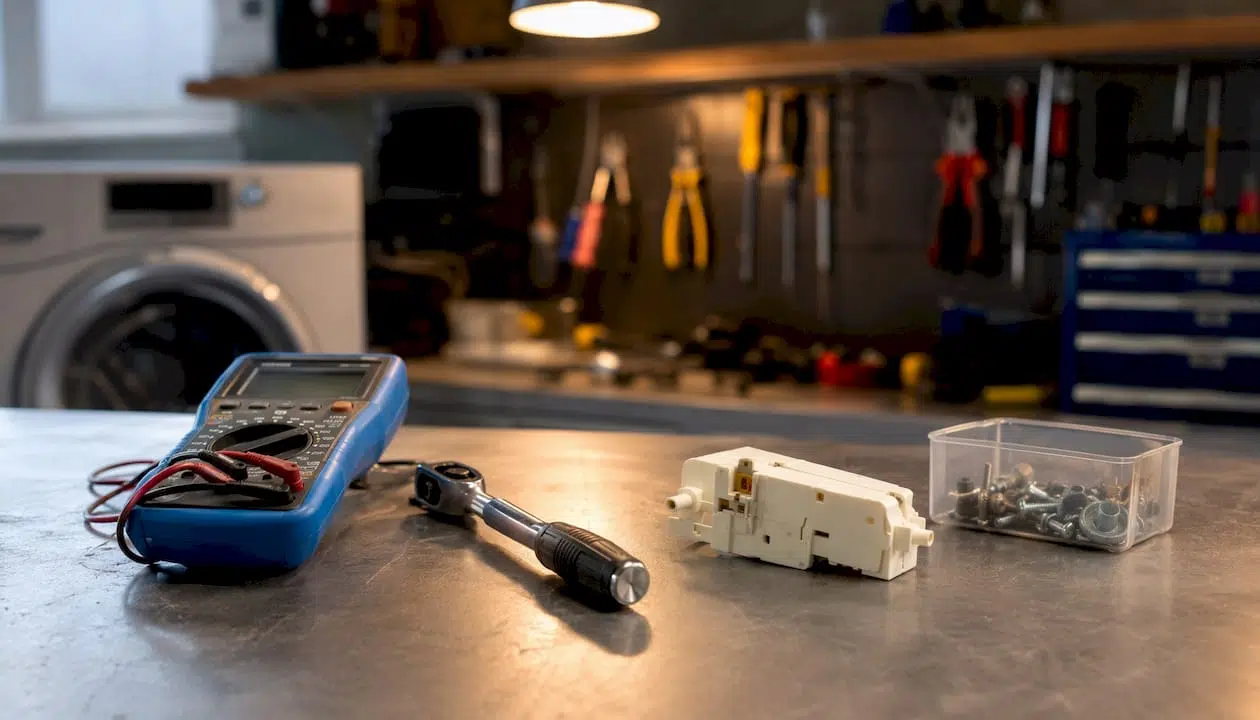
Cost ranges sourced from ConsumerAffairs and Angi. Actual costs vary by brand, model, and local labor rates.
Common error codes and what they often mean:
- 5C / 5E (Samsung): Drain error. Check filter and hose before calling anyone.
- 3C / 3E (Samsung): Motor fault. Needs professional diagnosis.
- LE (LG): Motor overload or Hall sensor failure.
- F21 (Whirlpool/Maytag): Long drain time. Start with the pump filter.
- E3 (various): Unbalanced load or spin failure.
A drain error code doesn’t automatically mean a failed pump. It could be a clogged hose or a faulty pressure switch. A technician interprets the code alongside other symptoms to make an accurate call.
How do you reset your washer and force a spin safely?
A reset clears electronic glitches, recalibrates sensors, and can restore normal operation after a power surge or interrupted cycle. It won’t fix a mechanical failure, but it costs nothing to try first.
Standard reset procedure:
- Turn the washer off and unplug it from the wall outlet. If the cord is hard to reach, trip the circuit breaker instead.
- Wait 60 seconds. This allows residual power to clear from the control board.
- Plug the machine back in (or reset the breaker).
- Select a fresh cycle and press Start.
For GE models with a timer knob, reset the electronic controls by turning the knob away from the final spin position before restoring power. For Whirlpool and Maytag front-loaders with a touchscreen, you may be able to factory reset by selecting “Info” then “Restore Factory” from the menu. Always check your model’s manual for the exact sequence.
To force a drain and spin when clothes are soaking wet:
- Unplug the machine and wait 60 seconds.
- Open the pump filter access panel (front-loaders) and drain any standing water manually into a shallow pan.
- Plug the machine back in, select “Drain & Spin” or “Spin Only,” and press Start.
- If the machine still won’t spin, redistribute the load by hand before trying again.
Pro Tip: Top-loaders and front-loaders reset differently. A top-loader that stops due to an unbalanced load just needs the clothes redistributed — a reset alone won’t help. A front-loader that shows a drain error after a power interruption usually just needs the 60-second unplug. Digital models with persistent error codes need the underlying fault fixed first; resetting to clear the code without fixing the cause just delays the problem.
Should you repair or replace your washing machine?
The standard decision rule technicians use is the 50% rule: if the repair estimate exceeds 50% of the cost of a comparable new machine, replacement is usually the smarter financial move, especially once the appliance is past the midpoint of its expected lifespan.
A typical washing machine lasts about a decade. A moderate repair on a relatively new machine is almost always worth it. The same repair on a twelve-year-old machine with a history of problems is a different calculation entirely.
Repairs that usually justify fixing:
- Lid switch or door latch ($100–$200)
- Drive belt ($100–$200)
- Motor coupling ($100–$200)
- Drain pump ($150–$300)
These are relatively quick, parts are inexpensive, and the fix is likely to hold for years.
Repairs that often tip toward replacement:
- Motor replacement ($250–$700)
- Bearing replacement ($200–$500+)
- Control board ($200–$500+)
When a motor or control board fails on a machine that’s already eight or more years old, the repair cost can easily cross the 50% threshold. Factor in that a new machine will be more energy-efficient and carry a manufacturer’s warranty.
Questions to ask before you authorize a repair:
- What is the total estimate including parts and labor?
- Does the repair come with a parts warranty? For how long?
- Are there any other components showing wear that might fail soon?
- What is the expected remaining lifespan of this machine after the repair?
For a deeper look at the repair vs. replacement decision, the answer usually comes down to age, repair history, and whether the failing part is a one-off or a sign of broader wear.
Key Takeaways
Most washer spin failures trace back to drainage, load balance, or a safety interlock — and the majority of those are fixable at home before you ever need to call a technician.
| Point | Details |
|---|---|
| Check drainage first | Many spin failures are actually drain failures; clear the filter and hose before diagnosing mechanical parts. |
| Safety interlocks fail often | Lid switches and door latches are frequent, inexpensive failure points — test them early in your diagnosis. |
| Reset costs nothing | Unplugging for 60 seconds clears most electronic glitches; try it before any other repair. |
| Use the 50% rule | If repair cost exceeds 50% of a comparable new machine, replacement is usually the better investment. |
| Appliancesrepairmdtech covers OC and LA | For motor, board, or bearing failures in Orange or Los Angeles County, book an on-site diagnostic with Appliancesrepairmdtech. |
What most homeowners get wrong about a washer that won’t spin
The most common mistake is skipping straight to the mechanical diagnosis. A homeowner hears the motor running and immediately assumes the belt or coupling has failed. Half the time, the real problem is sitting right at the pump filter: a sock, a coin, or a wad of lint blocking just enough flow to confuse the pressure sensor. Two minutes with a shallow pan and a screwdriver would have fixed it.
The second mistake is resetting the machine repeatedly without addressing the underlying fault. A reset clears the error code, the machine runs one more cycle, the code comes back, and now the homeowner has lost a week and the technician has less diagnostic history to work with. If a code returns after a reset, that’s the machine telling you something specific. Look up that code in your model manual before you do anything else.
The third thing people underestimate is suspension wear on front-loaders. A machine that bangs and walks across the floor during spin isn’t just annoying — it’s actively damaging the drum bearings with every cycle. Replacing worn shock absorbers early is far cheaper than a bearing job later.
For Orange and Los Angeles County homeowners, Appliancesrepairmdtech’s technicians carry the most common parts on the truck and can usually complete a diagnosis and repair in a single visit. For washer repair warning signs that go beyond a spin failure, the pattern of symptoms matters as much as any single fault.
Certified washer repair in Orange and Los Angeles County
When the drain hose is clear, the load is balanced, and the machine still won’t spin, the problem is inside the machine. That’s where Appliancesrepairmdtech comes in.
Appliancesrepairmdtech sends licensed technicians to homes across Orange County and Los Angeles County for on-site washer diagnostics. The technician arrives, runs a full diagnostic, and gives you a transparent estimate before any repair work begins. Most trucks carry the common parts for top-loader and front-loader repairs, which means many jobs are completed in a single visit. Every repair includes a parts and labor warranty.
What to expect when you book: a diagnostic fee applied toward the repair if you proceed, a typical labor window of 1–2 hours for most spin-related faults, and a clear answer on whether repair or replacement makes more financial sense for your machine. For anyone weighing that decision, the repair vs. replacement guide lays out the full cost framework.
Book your washer repair service online or call to schedule a same-week appointment.
Useful sources and further reading
Keep your appliance model number and serial number handy before contacting any support line or booking a technician. Both are usually printed on a label inside the door frame or on the back panel.
- Your model’s owner manual: The first place to look for model-specific error codes and reset procedures. Most manufacturers post digital copies on their support sites.
- Washing machine not spinning — ServiceMag: Detailed mechanical diagnosis covering motor coupling, Hall sensors, and suspension.
- Washing machine not spinning — Whirlpool: Clear breakdown of load, suds, and drain causes with practical steps.
- How to reset a washing machine — Whirlpool: Step-by-step reset guide for front-loaders and top-loaders.
- How to reset a washing machine — Maytag: Model-specific reset tips including factory reset for touchscreen models.
- Washer not spinning — Spencer’s TV & Appliance: Practical homeowner tips including the 50% repair-vs-replace rule.
- How to unclog a washing machine — Appliancesrepairmdtech: Step-by-step pump filter and drain hose cleaning guide.
- Washing machine care tips — Appliancesrepairmdtech: Maintenance habits that prevent spin and drain problems from developing.